
How to Change an Office User to a Kiosk User
If you need to change one of your Office users to a Kiosk user, you will need to follow these steps:
-
Check that you have at least one free Kiosk license. You can do this by reviewing your current subscription (how many Kiosk users can you have?), then going to the Staff tab and checking how many active Kiosk users you have.
Tip: You can sort the Staff Type column A-Z, to quickly group all your Kiosk users together for easy counting.
- Go to your office user's profile.
-
Click More:
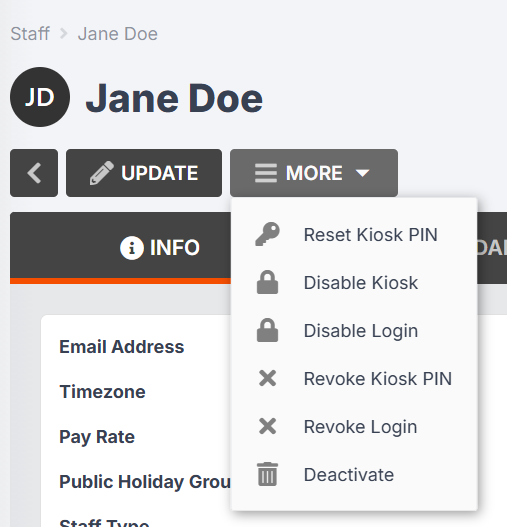
- If your Office user has an active Kiosk PIN, you will see the options to Revoke Kiosk PIN and Disable Kiosk PIN. Select Revoke Kiosk PIN if the option is there. This is because the Kiosk PIN is attached to the Office license, which you are about to remove from this user.
- Click More > Revoke Login.
-
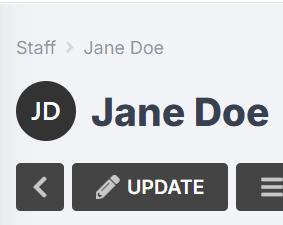
Once you have revoked the user's login (and Kiosk PIN if applicable), click Update:
-
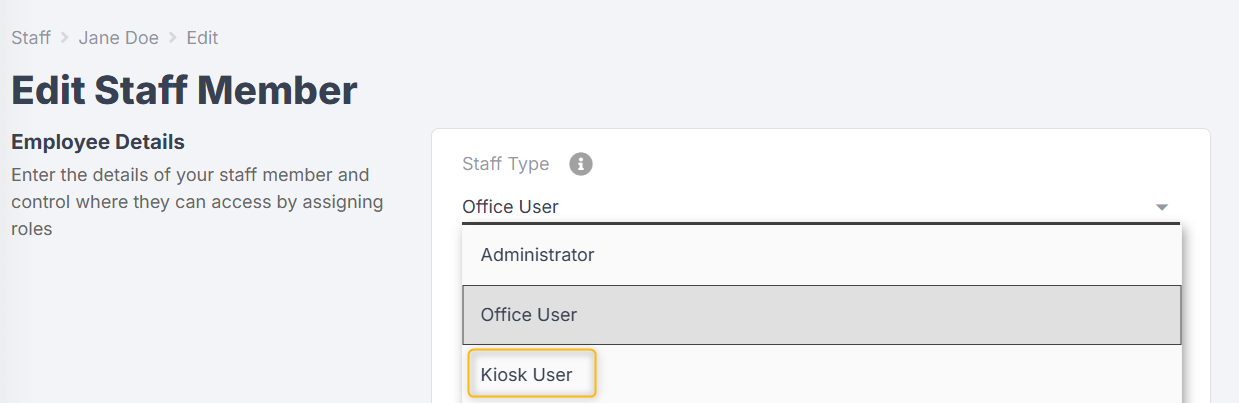
In the Staff Type drop-down, select Kiosk user:
-
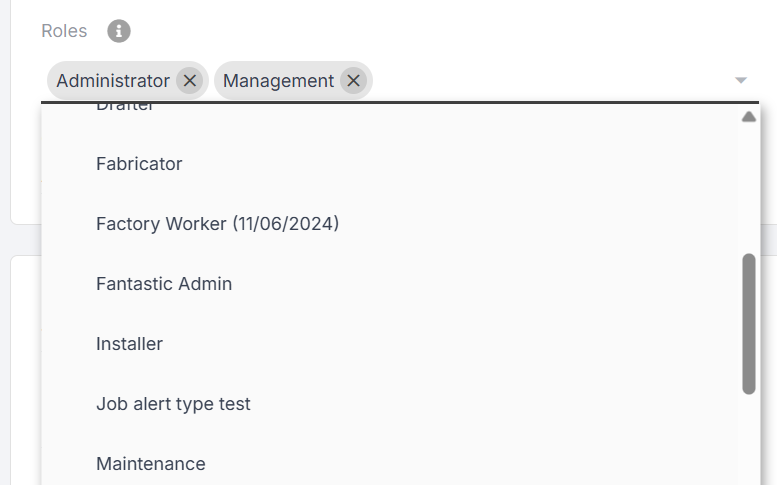
Make any necessary changes to the user's staff roles:
- Save Changes.
